You haven't signed in yet, you can have a better experience after signing in
*Please complete the payment within {{receiveCouponInfo.expire_at}}Previous use*
You haven't signed in yet, you can have a better experience after signing in



Activity Rules
1、Activity time:{{ info.groupon.start_at }} ~ {{ info.groupon.end_at }}。
1、Activity time:cease when sold out。
2、Validity period of the Group Buying:{{ info.groupon.expire_days * 24 }} hours。
3、Number of Group Buying:{{ info.groupon.need_count }}x。
Please Pay Attention
1、Teamwork process: Join/initiate a Group Buying and make a successful payment - Within the validity period, the number of team members meets the activity requirements - Group Buying succeeded!
2、If the number of participants cannot be met within the valid period, the group will fail, and the paid amount will be refunded in the original way.
3、The number of people required and the time of the event may vary among different products. Please pay attention to the rules of the event.
LaunchBar is an intelligent and powerful productivity utility that allows quick access to applications, documents, contacts and bookmarks, music libraries, search engines, and more by simply entering a short abbreviation of the search item name.
Start the program
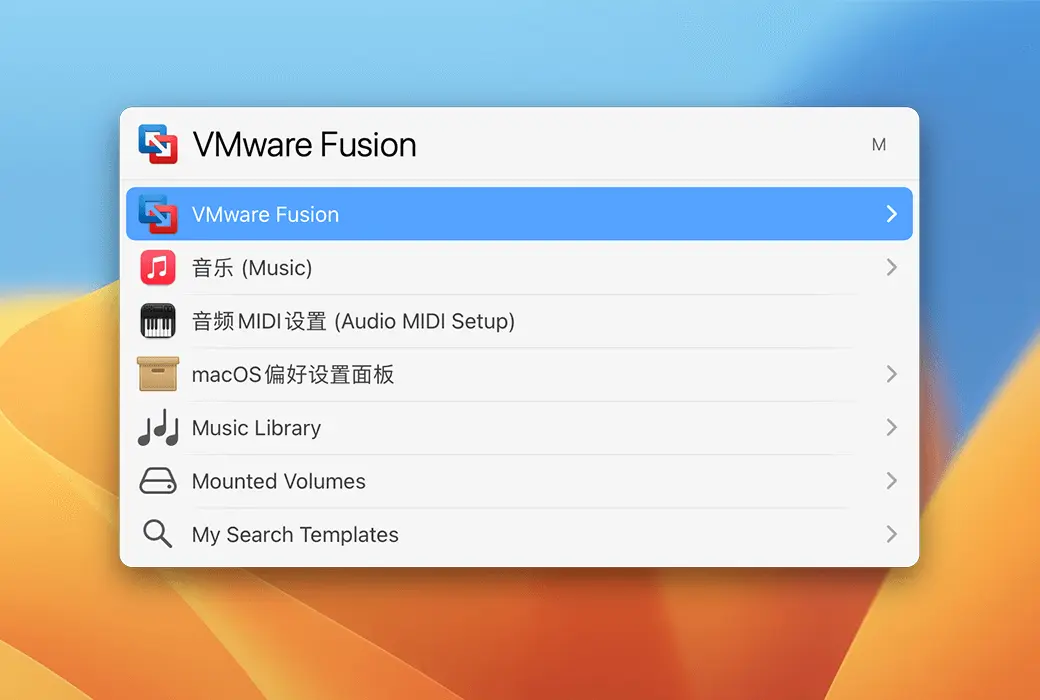
Quick launch program is the basic function of LaunchBar, which only requires simple input of a few letters, and the letters can be non adjacent. For example, if you want to search for AdGuard, you can enter AG or Au, and you will find the AdGuard application in the result list.
system operation
To clear the Empty Trash, simply enter ET to quickly start it.
file management
After opening the LaunchBar, press ⌥⌘ I to open the LaunchBar Index, which lists all searchable items and features. You can activate or deactivate the corresponding items according to your needs.
Click on the+icon in the upper left corner, and select Add Folder from the pop-up menu to add a new search scope. (It is recommended not to put the entire hard drive in the search range, as this will search for many non target system files, etc.)
Send an email
After searching for the file you want to send, press the 'Tab' key, enter the email abbreviation letter (such as entering Email, the email will be found), press Enter to open the email, and you can send it!
Unrestricted expansion
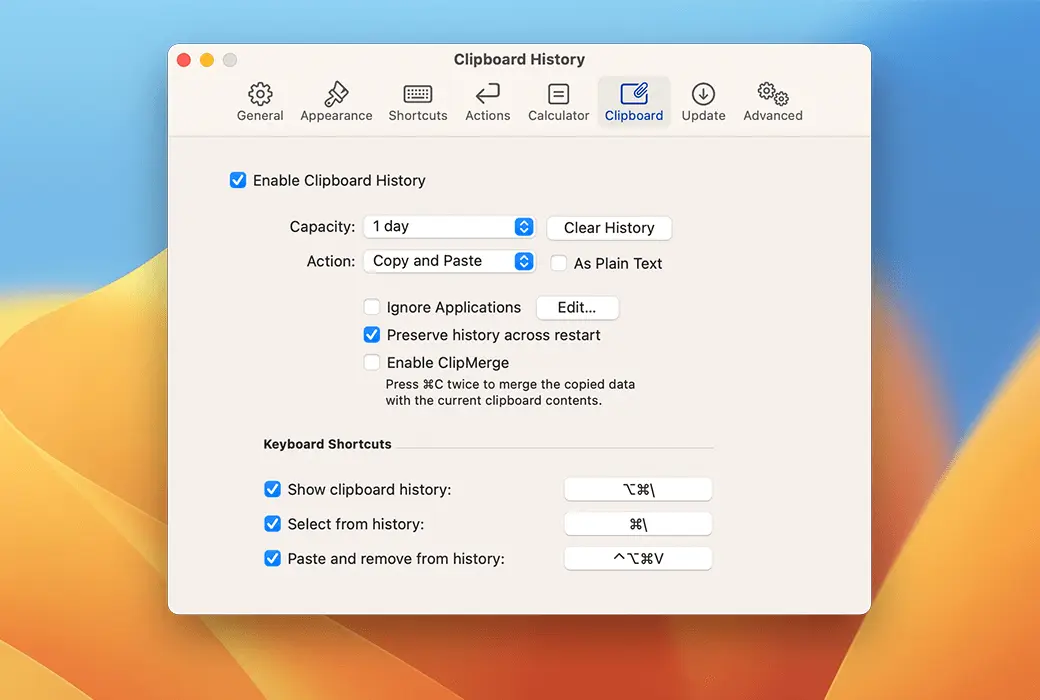
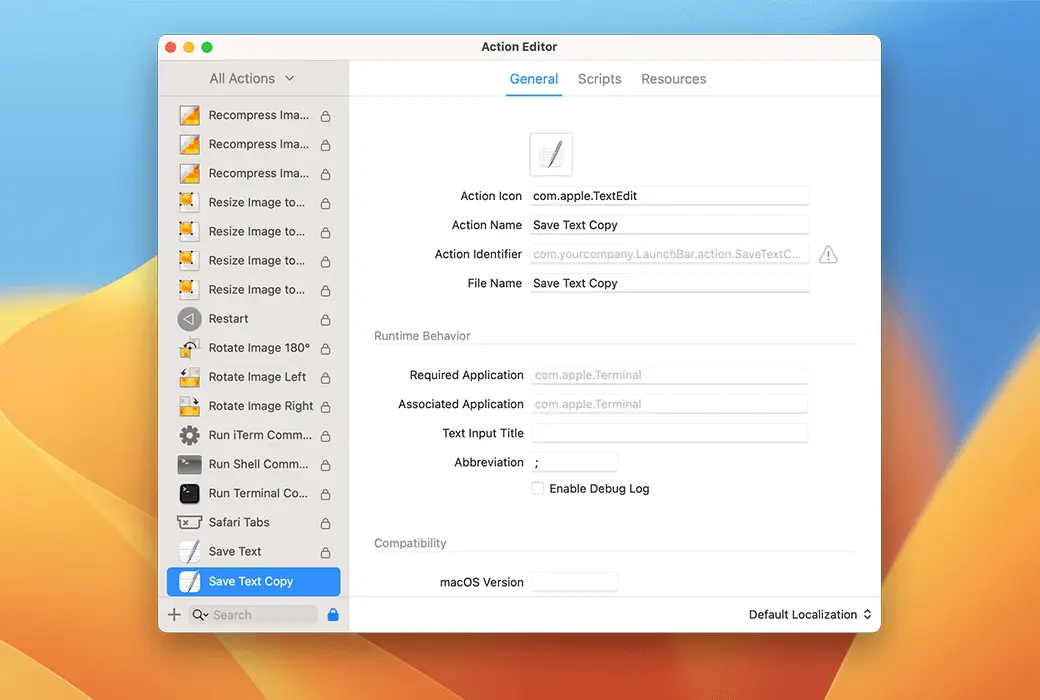
Through script based custom operations, you can greatly expand the LaunchBar to meet your needs. Install operations written by other users, or write your own operations in various scripting languages such as Apple Script, JavaScript, Ruby, Python, PHP, etc.
Information browsing
Browse project metadata (such as image size, color profile, Finder tags), navigate to application bundles, browse property lists or text file content, view recent documents and other associated files, view file properties, disk capacity, word count, etc.
Instant feedback
Real time suggestions can be used to conduct more effective online searches on Google, Wikipedia, or Duck. Many operations, such as calculator or calendar input, now provide instant feedback for input queries.
Official Website:https://www.obdev.at/products/launchbar/index.html
Download Center:https://launchbar.apsgo.cn
Delivery Time: Automatic delivery within 24 hours
Operating Platform: macOS
Interface Language: Supports English interface display.
Update Instructions: Supports minor version updates (v6.x)
Trial Before Purchase: Free trial for 30 days before purchase.
How to Receive the Product: After purchase, the activation information will be sent to the email address used for ordering. You can also view the corresponding product activation code in your personal center, under "My Orders".
Number of Devices: Licensed to the user, can be installed and activated on all their computers.
Changing Computers: Uninstall on the original computer and activate on the new one.
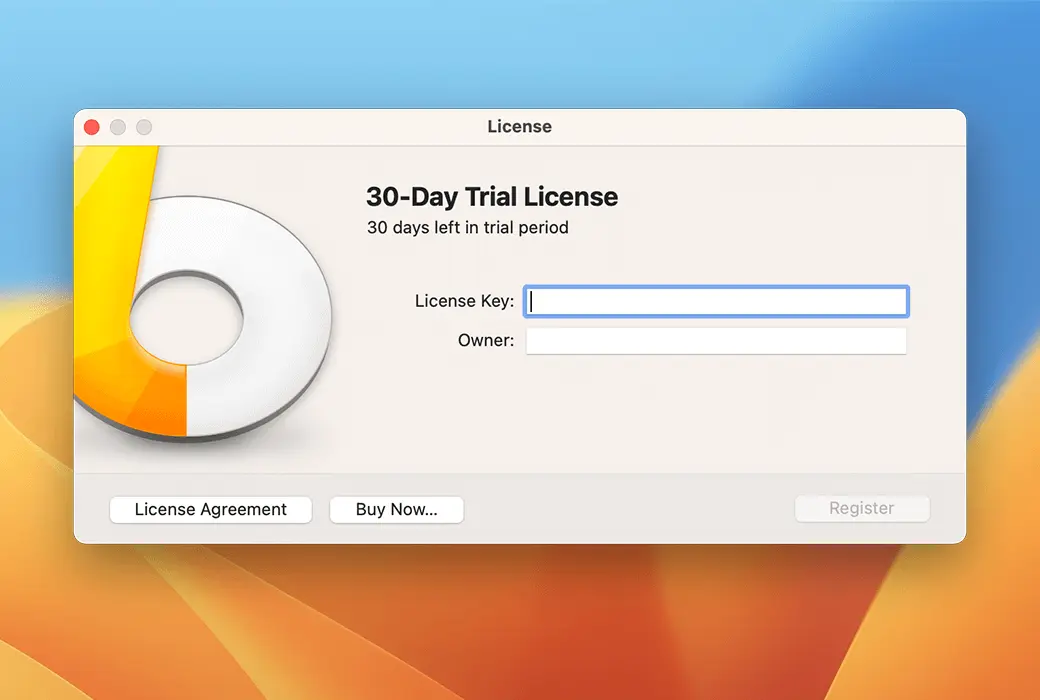
Activation Guide: In the menu bar, click "Launchbar -> License" and follow the prompts to enter the registration code for activation.
Special Instructions: To be added.
References:https://www.obdev.at/support/launchbar

Any question